Questions this answers
- What is model context window cost?
- How should developers evaluate model context window cost?
- What should teams verify before production?
Choosing a model for long-document work means weighing the price per input token against how much of that document has to sit in active context on every call, not just comparing headline context window sizes. A model advertising a larger window is not automatically cheaper to run if you pay full input-token price on every request instead of using caching or chunking to cut repeated cost.
Key Takeaways
- Context window size and per-token cost are separate variables. A large window with high per-token input pricing can cost more per document pass than a smaller window used with caching or chunking.
- Prompt caching, as described in OpenRouter's best-practices guide, can reduce the cost of repeated long-context calls by discounting cache-hit tokens, but discount rates and cache lifetimes differ by provider and model, so confirm current terms before estimating spend.
- For long-document workloads, compare candidates on TokenLab's Model Data Center (/models/data) using both stated context window and current input/output pricing before committing to one model family.
- Fast, low-cost models such as Gemini 3.5 Flash or DeepSeek V4 Flash are reasonable defaults for high-volume summarization or extraction, while flagship models like Claude Opus 4.8 or GPT-5.5 are better reserved for tasks that require deeper reasoning over long context, not just more of it.
Context window and cost are not the same lever
It is tempting to treat "context window" as a single buying decision: pick the model that fits your longest document, then look at price. That approach misses that window size and cost are independent axes.
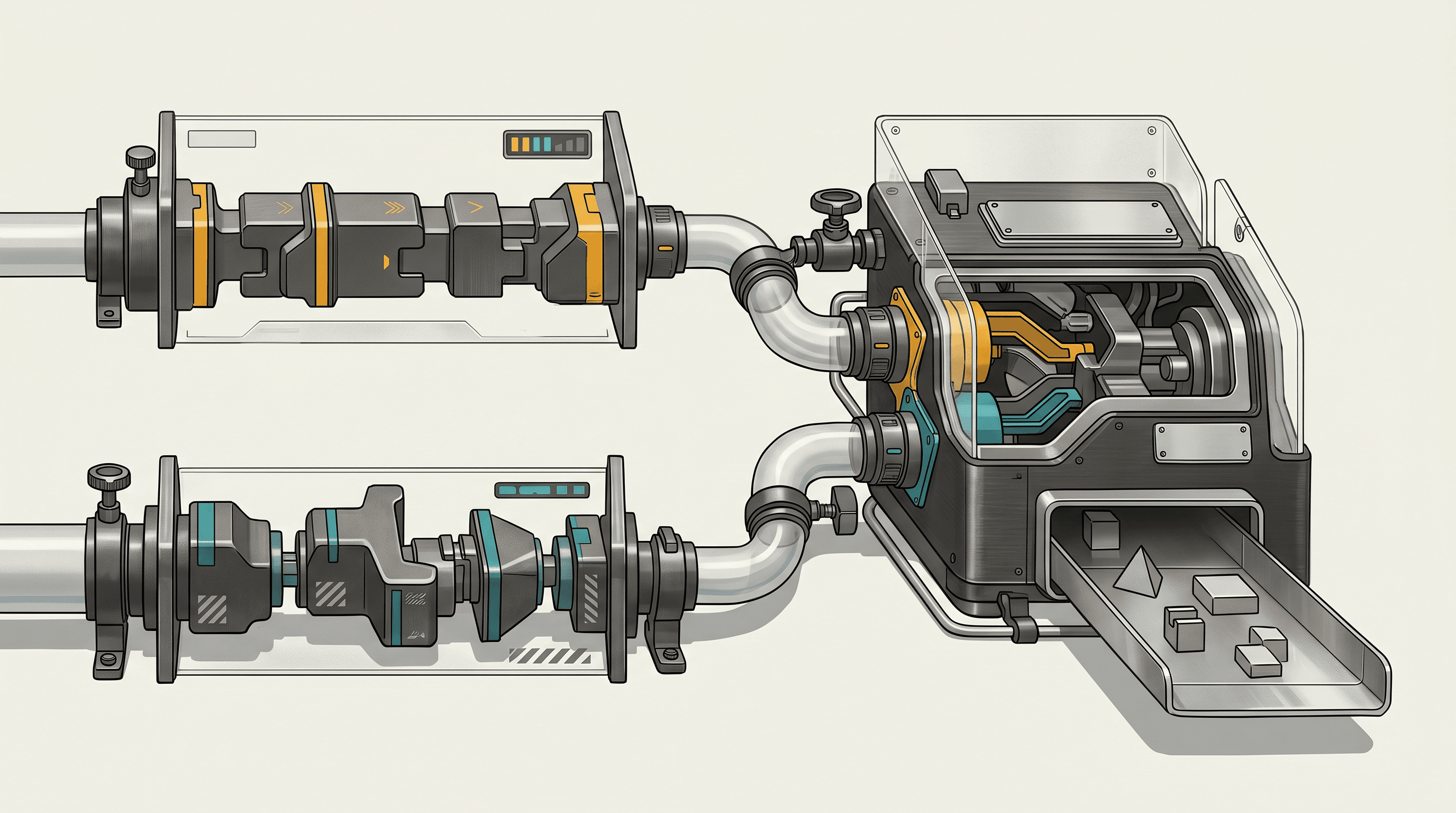
Window size tells you what can fit in a single call. Price tells you what it costs every time you send that content. A model with a very large window lets you avoid chunking, which simplifies engineering, but if the per-token input price is high and you are sending the same 50,000-token document on every turn of a conversation, that convenience compounds into real cost. Conversely, a smaller window forces chunking or retrieval, which adds engineering work but can lower total spend if the chunks you send are small and the model is cheap.
For long-document products, the right question is not "which model has the biggest window" but "what does it cost to process this document the way my application actually calls the model." That depends on call pattern, not just document length.
What actually drives cost when you send long documents
Three factors matter more than raw window size for long-document workloads:
Input tokens dominate. For summarization, extraction, classification, and retrieval-augmented generation, the document itself is almost always the majority of tokens billed. Output is often short by comparison. This means input pricing, not output pricing, is usually the number to optimize first.
Repetition multiplies cost. Multi-turn conversations, agentic loops, or any workflow that resends the same document context on every call pays for that context repeatedly. A ten-turn conversation over a long document can cost close to ten times a single pass unless something reduces the repeated cost.
Caching changes the unit economics. If a provider supports prompt caching and your application reuses the same prefix (a long document, a system prompt, a tool schema) across calls, cached tokens can be billed differently from fresh tokens. This is the single biggest lever for reducing long-document cost without changing model choice.
How prompt caching changes the calculus
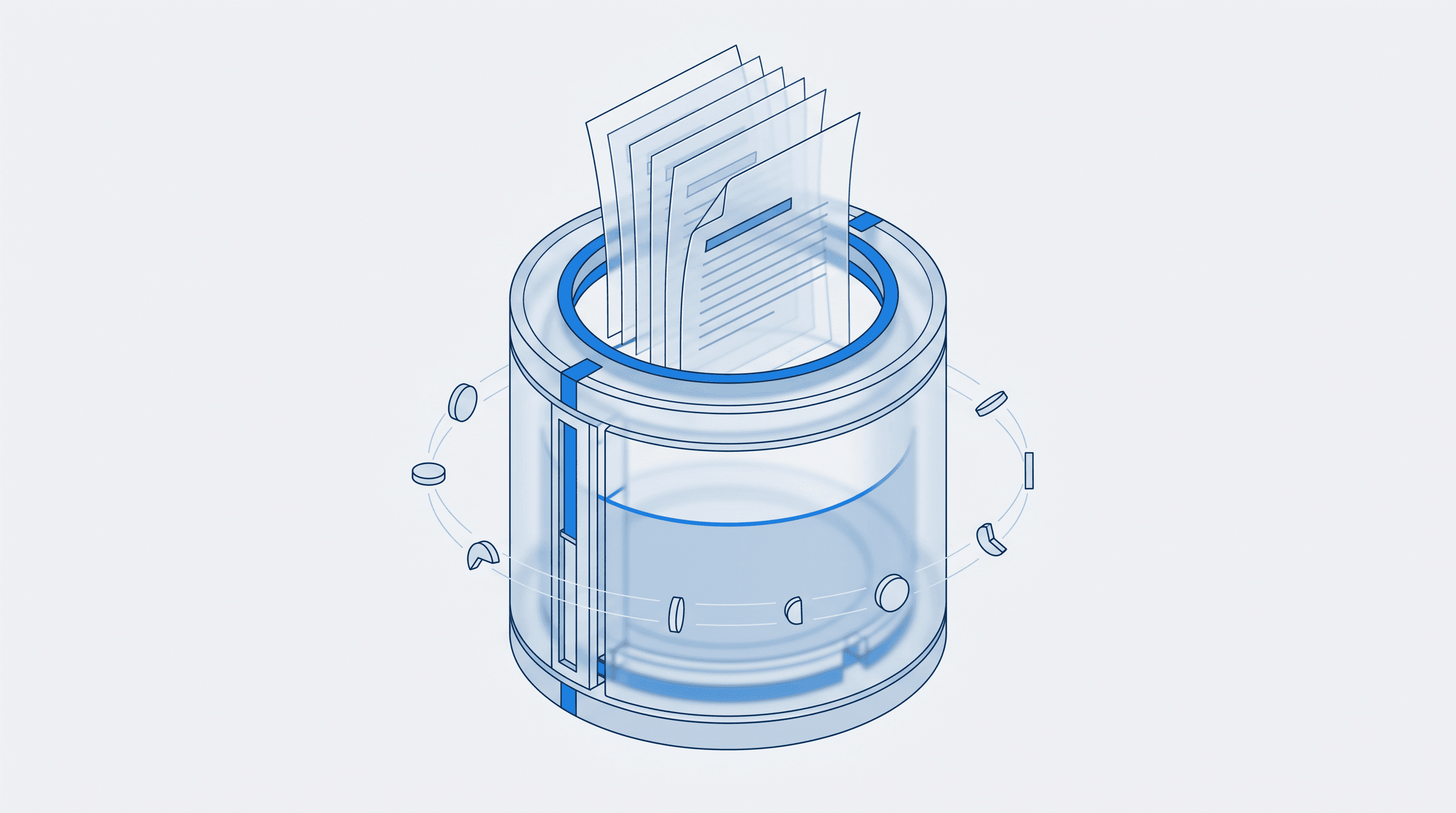
OpenRouter's documentation on prompt caching (openrouter.ai/docs/guides/best-practices/prompt-caching, observed 2026-07-14) describes caching as a mechanism where repeated portions of a prompt, typically a stable prefix such as a system message or a long document placed early in context, can be cached by the provider and billed at a different rate on subsequent calls that reuse that same prefix. The guide notes that caching behavior, including how a cache is written, how long it persists, and how much a cache hit discounts cost relative to a fresh read, varies by provider and by model.
That variance matters for long-document decisions. Two models with identical context windows and similar list prices for input tokens can produce very different effective costs once caching is factored in, because one provider's cache TTL might comfortably cover your request pattern while another's expires between calls. Before estimating cost for a document-heavy workload, check:
- Whether the provider you are targeting supports caching at all for the model you want.
- What triggers a cache write versus a cache hit (order of content in the prompt often matters).
- How long a cache entry persists before it must be rewritten.
- Whether the discount applies to input tokens only, or affects output pricing as well.
None of these details are safe to assume across providers. Treat OpenRouter's guide, and the specific provider's own documentation, as the source of truth rather than estimating from general expectations.
Decision framework: match model to document workload
| Workload pattern | What matters most | Reasonable starting point |
|---|---|---|
| Single-pass summarization or extraction, one document, one call | Input token price, window large enough to fit the document without chunking | Gemini 3.5 Flash, DeepSeek V4 Flash, or another low-cost routing model from /models/data |
| Multi-turn chat over one long document | Caching support and cache TTL, not just window size | A model with confirmed prompt caching; verify current caching terms before committing |
| Agentic workflow reprocessing the same corpus repeatedly | Cost per call under repetition, cache-hit pricing | Low-cost agent-friendly models such as those in TokenLab's agent comparison at low-cost models for agents |
| Deep reasoning over long, complex documents (legal, technical review) | Model quality on long-context reasoning, secondary to raw cost | Flagship models such as Claude Opus 4.8, Claude Fable 5, or GPT-5.5, evaluated against task accuracy first |
| High-volume batch processing across many documents | Total cost at scale, not per-call cost alone | Compare total cost projections across candidates on /models/data before choosing |
| Mixed workload with routing between cheap and premium models | Routing logic and fallback cost, not a single model's price | See routing analysis at AI model routing benchmark |
Use this table as a starting filter, not a final answer. Confirm current window size and pricing for any specific model on TokenLab's Model Data Center before finalizing a choice, since both figures change over time.
A practical request-shape example
The shape below illustrates how a caching-friendly request typically separates a stable, reusable prefix (the long document) from a variable suffix (the user's question), so that the document portion can be cached across calls. Exact field names and caching controls differ by provider and API, so treat this as illustrative pseudocode and verify against the specific provider's current documentation before implementing it.
{
  "model": "example-model-id",
  "messages": [
    {
      "role": "system",
      "content": "You are a document analysis assistant. Answer only from the provided document."
    },
    {
      "role": "user",
      "content": "<<LONG_DOCUMENT_TEXT_HERE>>"
    },
    {
      "role": "user",
      "content": "Summarize section 3 and list any obligations with deadlines."
    }
  ]
}
The practical pattern for long-document, multi-question workloads is to keep the document text in a stable position across repeated calls (so the provider can recognize the cached prefix) and vary only the trailing question or instruction. If your provider's caching implementation requires an explicit cache marker or a separate cache-control field, add it according to that provider's current documentation rather than assuming the structure above is complete.
Checklist before you commit
- Confirm the model's current context window and input/output pricing on /models/data rather than relying on memory or older comparisons.
- Estimate cost per document pass at your expected call frequency, not just per single call.
- Check whether your target provider documents prompt caching for the model you want, and what the cache-hit discount and TTL actually are.
- Decide whether chunking plus a cheaper model beats a single large-window call on a pricier model, given your actual repetition pattern.
- If your workload mixes cheap high-volume calls with occasional deep-reasoning calls, consider a routing strategy instead of a single model; see AI model routing benchmark for a routing-based cost comparison.
- For agent-heavy pipelines that repeatedly touch long context, review low-cost options at low-cost models for agents before defaulting to a flagship model.
Limitations
Context window figures and pricing change frequently across providers, and the specific numbers for models named in this article should be verified against /models/data at the time of reading rather than assumed from this text. Prompt caching behavior, including discount rates and TTLs, is provider-specific and not fully detailed here; consult OpenRouter's guide and the relevant provider's own documentation before budgeting a production workload. This article does not benchmark task accuracy for any model on long-document reasoning; cost and window size are necessary but not sufficient inputs to a model choice.
FAQ
Does a larger context window always mean lower cost for long documents? No. Window size determines what fits in one call; it does not determine per-token price. A large-window model with high input pricing can cost more per document pass than a smaller-window model used with chunking or caching.
Is prompt caching available for every model? Not necessarily, and where it is available, the discount rate and cache lifetime vary by provider and model. Check OpenRouter's prompt caching guide and the specific provider's documentation for the model you intend to use.
How should I compare models for a long-document product before launch? Start with current window size and pricing on TokenLab's Model Data Center at /models/data, then estimate cost at your expected call volume and repetition pattern, factoring in caching if available. Cross-check with /models/rankings and the routing and agent-cost comparisons linked above before finalizing a choice. Get Started by reviewing current model data on /models/data to build your own cost estimate for your document workload.
Sources
Price observed 2026-07-14
- OpenRouter prompt cachingObserved 2026-07-14
- TokenLab Model Data CenterObserved 2026-07-14
- TokenLab model rankingsObserved 2026-07-14