What you’ll learn
- What is AI API batch inference pricing?
- How should developers evaluate AI API batch inference pricing?
- What should teams verify before production?
Batch inference pricing works by trading response latency for a lower per-token rate: you submit a job, the provider processes it within a defined window (commonly up to 24 hours), and you pay less than you would for a synchronous, real-time call. Whether that trade is worth it depends entirely on whether your workload can tolerate the wait.
This article compares batch (asynchronous) inference against standard synchronous API calls, based on the batch API documentation published by OpenAI and Google, and lays out a decision framework for when the asynchronous path actually saves money for your product.
Key Takeaways
- OpenAI and Gemini both publish a batch API that accepts jobs for asynchronous processing at a discounted rate versus synchronous calls; confirm the exact current discount percentage on each provider's pricing page before budgeting, since rates can change.
- Batch inference fits workloads that tolerate a turnaround window rather than needing an immediate response: bulk classification, embeddings generation, offline evaluation, dataset labeling, and backfill jobs.
- Real-time chat, coding agents, and interactive product features generally do not fit batch pricing, because the processing window makes them unusable for live user interaction.
- The largest cumulative savings usually come from combining batch discounts with model selection and prompt efficiency work; see /models/rankings and AI API cost reduction guide for the other levers.
What Batch Inference Actually Means
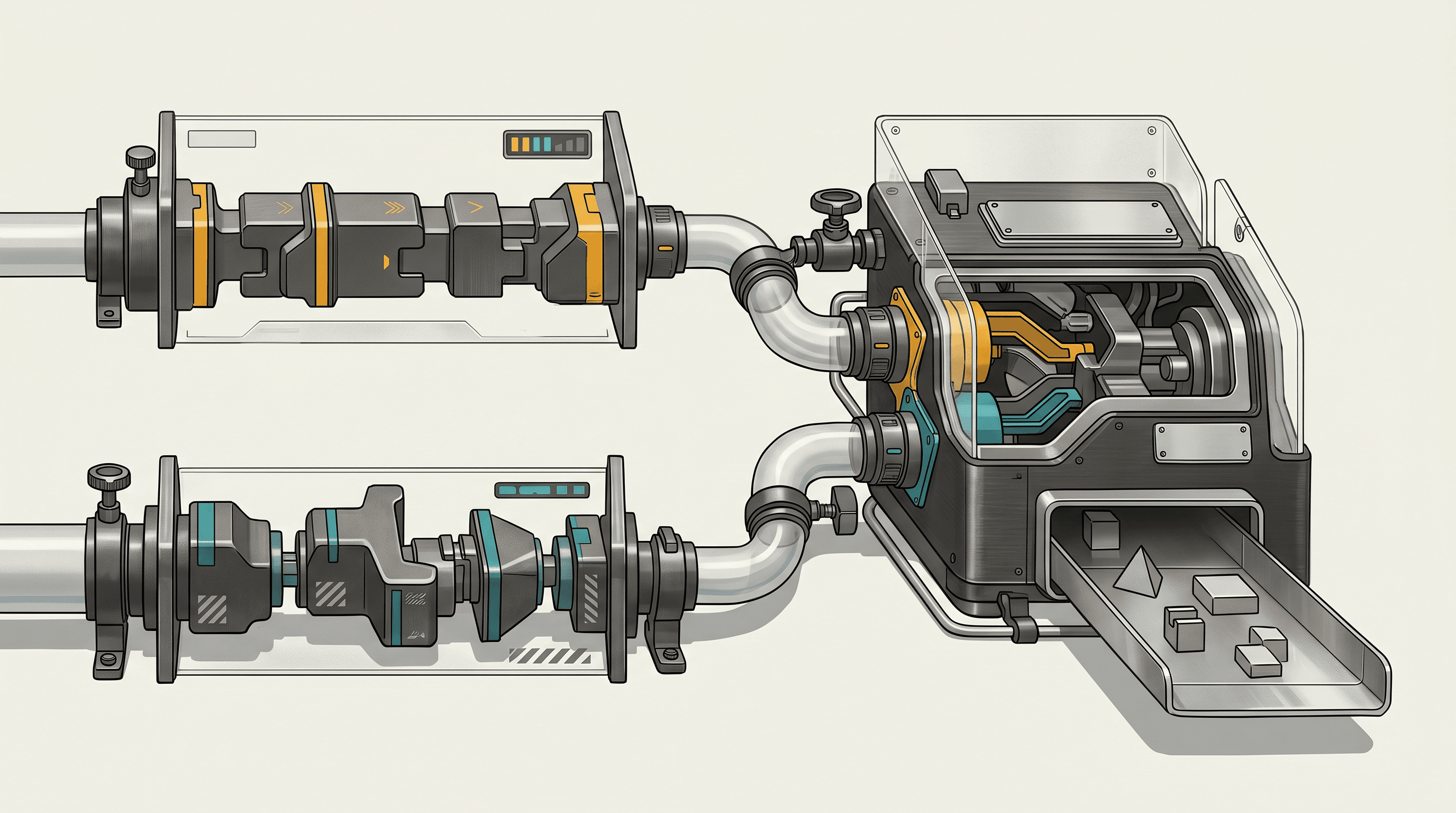
Synchronous API calls return a response as soon as the model finishes generating it, typically within seconds. You pay a per-token rate tied to that immediacy. Batch inference inverts the model: instead of a single request-response exchange, you submit a file or list of requests as a job. The provider queues the job, processes it during a window it controls, and makes results available for you to retrieve once complete.
This is not a new inference technique inside the model. It is a different commercial and operational contract. The provider gets to schedule your workload against spare or off-peak capacity, and in exchange charges less per token than it would for a request it must serve instantly.
Both OpenAI and Google document this pattern for their respective APIs:
- OpenAI's Batch API reference describes creating a batch object from an uploaded file of requests, tracking its status, and retrieving output once the job completes (platform.openai.com/docs/api-reference/batch/object).
- Google's Gemini Batch API documentation describes a comparable model: submit a batch of requests, the job runs asynchronously, and results are retrieved after processing (ai.google.dev/gemini-api/docs/batch-api).
The mechanics differ slightly between providers (file-based submission, job objects, status polling, output retrieval), but the underlying shape is consistent: submit now, collect later, pay less per token than the synchronous equivalent. Check each provider's current documentation for the exact processing window and discount rate that applies to your account and model, since these details are provider-specific and subject to change.
How the Two Documented Batch APIs Work
At a mechanical level, both providers follow a similar lifecycle:
- Prepare requests. You assemble the individual inference requests you want processed, typically formatted as a file (OpenAI accepts a file of requests keyed by a custom ID; Gemini accepts a batch of structured requests).
- Submit the job. You create a batch object or job resource that references your uploaded input.
- Poll or wait for completion. The job moves through states (queued, in progress, completed, or failed) until the provider finishes processing within its documented window.
- Retrieve output. Once complete, you download or fetch the output file or result set, matching each response back to its original request by ID.
Neither provider processes batch jobs instantly. That is the entire point of the pricing model: the job runs on the provider's schedule, not yours, and you accept a bounded delay in exchange for a lower rate. If your product cannot tolerate that delay, batch pricing is not available to you regardless of how much you would save on paper.
When Batch Pricing Saves Money: A Decision Checklist
Use this checklist before routing a workload to a batch endpoint:
- Does the workload have a natural non-interactive shape? Classification passes over a dataset, embedding generation for a document corpus, content moderation sweeps, or nightly summarization jobs all fit.
- Can your product tolerate the documented processing window? If a user or downstream system needs the result within seconds or minutes, batch does not fit.
- Is the volume large enough to matter? Batch discounts apply per token, so the absolute savings scale with volume. A handful of requests will not move your bill meaningfully either way.
- Is the task idempotent or safely retryable? Because batch jobs run asynchronously and can fail partially, your pipeline needs to handle re-submission or partial completion without corrupting downstream state.
- Does your orchestration layer already support async job polling? If you are building this pattern for the first time, budget engineering time for job submission, status polling, and output reconciliation.
| Dimension | Synchronous API | Batch (asynchronous) API |
|---|---|---|
| Latency | Seconds, typically | Minutes to hours, bounded by provider's documented window |
| Pricing | Standard per-token rate | Discounted per-token rate versus synchronous, per provider documentation |
| Best fit | Chat, agents, live product features | Bulk classification, embeddings, offline evaluation, backfills |
| Failure handling | Immediate error on the call | Job-level status; partial failures possible within a batch |
| Engineering overhead | Simple request-response | Requires job submission, polling, and output retrieval logic |
| Output ordering | Matches call order | Matched by custom request ID, not call order |
When Batch Pricing Does Not Fit
Batch inference is a poor fit for anything where a person or a downstream system is waiting on the response. This includes:
- Conversational agents and chat products. A user expects a reply in seconds, not after a processing window.
- Coding assistants and agentic coding workflows. Tools built around models like Claude Sonnet 5 or Kimi K2.7 Code depend on tight feedback loops between the developer and the model; batching would break the interaction entirely.
- Real-time content generation for user-facing features, including on-demand image or video generation through APIs such as Nano Banana Pro or Veo 3, where the user is watching a progress indicator.
- Anything with a service-level latency requirement, even if that requirement is loose (say, under a minute). Batch windows are typically measured in hours, not seconds.
If part of your pipeline is real-time and part is not, split the work. Route the interactive portion through the synchronous API and push the bulk, delay-tolerant portion (nightly re-indexing, dataset relabeling, evaluation runs) to the batch endpoint.
A Practical Request Shape
The exact schema differs between OpenAI's batch object and Gemini's batch API, so treat the following as an illustrative shape rather than a literal copy of either provider's request format. Confirm exact field names and endpoints against the current documentation before you implement this.
# 1. Prepare a file of requests, each with a custom ID
{"custom_id": "req-001", "method": "POST", "url": "/v1/chat/completions",
 "body": {"model": "your-selected-model", "messages": [{"role": "user", "content": "Classify this ticket."}]}}
{"custom_id": "req-002", "method": "POST", "url": "/v1/chat/completions",
 "body": {"model": "your-selected-model", "messages": [{"role": "user", "content": "Classify this ticket."}]}}

# 2. Submit the batch job
POST /v1/batches
{
  "input_file_id": "file-abc123",
  "endpoint": "/v1/chat/completions",
  "completion_window": "24h"
}

# 3. Poll job status
GET /v1/batches/{batch_id}
# returns status: queued | in_progress | completed | failed

# 4. Retrieve output once completed
GET /v1/files/{output_file_id}/content
# match each response back to its request by custom_id
The core engineering pattern is the same regardless of provider: build your request file with stable IDs, submit the job, poll for completion, and reconcile output against your original request list. Build retry logic around partial failures at the job level, since a batch can complete with some individual requests failed even if the job itself succeeds.
Combining Batch Discounts with Model Selection
Batch pricing is one lever. It compounds with, rather than replaces, the model and prompt-level decisions covered in AI model routing benchmark and AI API cost reduction guide. A workload that is both batch-eligible and served by a lower-cost model, such as DeepSeek V4 Flash, GLM-5.2, or Gemini 3.5 Flash for routing-friendly tasks, will typically see larger absolute savings than applying either lever alone. Before committing a large bulk job to a single model and pricing tier, check current per-model pricing and positioning at /models/rankings, since relative pricing between frontier and low-cost models shifts as providers update their lineups.
For teams evaluating whether to build batch support at all, the calculation is straightforward: estimate your monthly token volume for delay-tolerant tasks, compare the documented batch discount against your current synchronous spend on that same volume, and weigh that against the engineering cost of building job submission and polling logic. If the volume is small, the discount may not offset the added complexity.
Limitations
This comparison is based on the general mechanics documented by OpenAI and Google for their batch APIs as observed on 2026-07-14. Exact discount percentages, processing window lengths, per-model availability, and file format requirements are provider-specific, change over time, and are not restated here as fixed numbers. Verify current batch pricing and terms directly against each provider's documentation before budgeting or building. This article also does not cover batch support from every model provider; check whether your chosen model and vendor publish a batch endpoint at all before planning around one.
FAQ
How much cheaper is batch inference than synchronous calls? Both OpenAI and Google document a discount for batch processing relative to their standard synchronous rate, but the exact percentage is provider- and time-specific. Check the current pricing page for your provider and model before estimating savings.
What happens if my batch job does not finish within the processing window? Provider documentation describes job status states (such as queued, in progress, completed, and failed). Review each provider's documentation on how it handles jobs that exceed the completion window, since behavior can differ by provider and is subject to change.
Can I use batch inference for real-time chat features? No. Batch jobs are processed asynchronously within a window that can run from minutes to many hours, which makes them unsuitable for any workload where a user or system is waiting on an immediate response. Use the synchronous API for interactive features and reserve batch endpoints for delay-tolerant, high-volume tasks.
If you are evaluating whether batch pricing fits your workload, compare current per-model rates and rankings, then get started by mapping your delay-tolerant jobs against the checklist above before you commit engineering time to job submission and polling logic.
Sources
Prices checked 2026-07-14
- Gemini Batch APISources checked 2026-07-14
- OpenAI Batch API referenceSources checked 2026-07-14
- TokenLab model rankingsSources checked 2026-07-14