Questions this answers
- What changed in TokenLab Changelog Gives Developers One Place to Track Updates?
- Who should use this TokenLab update?
- How should developers verify current model, pricing, or API details?
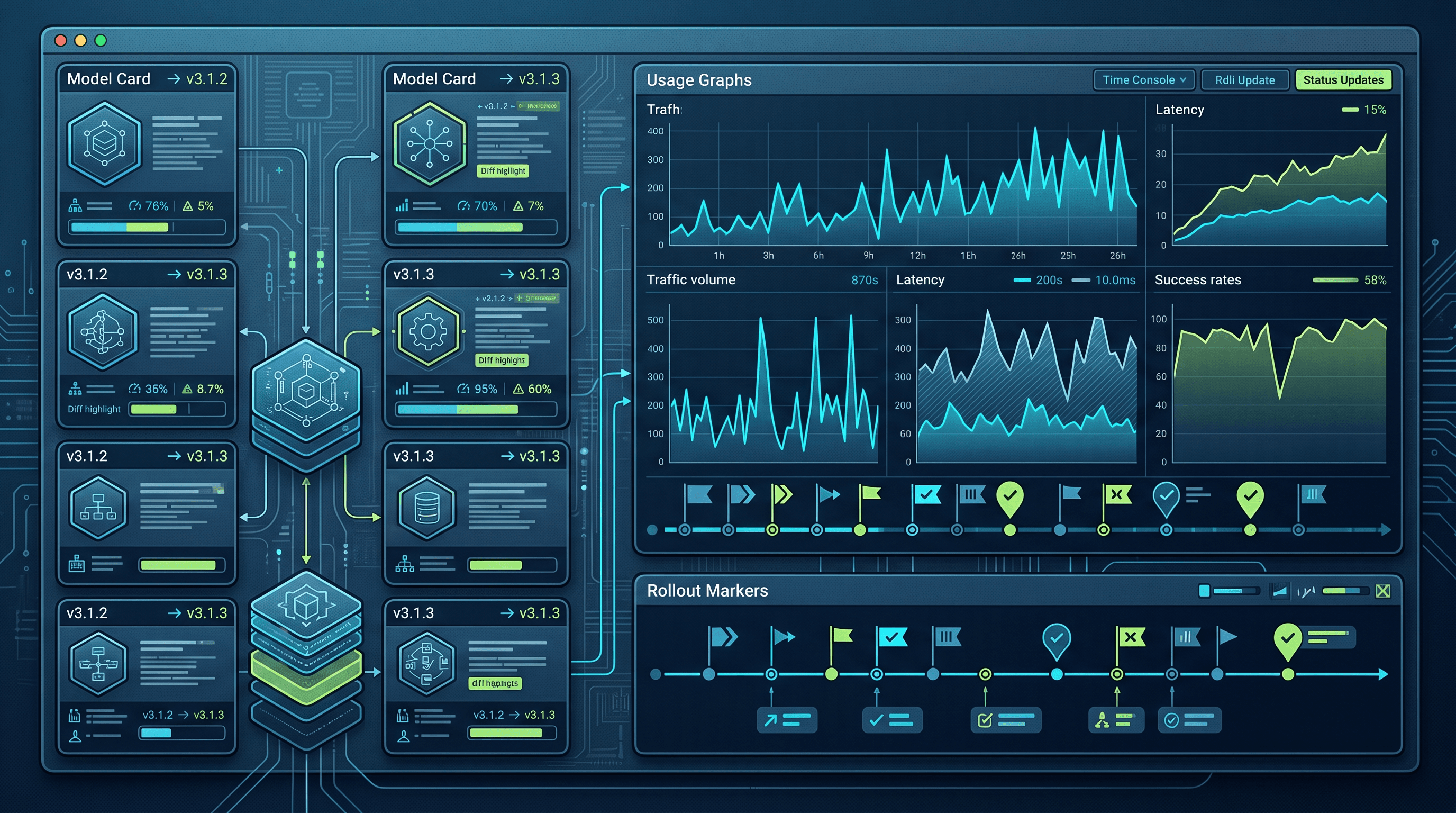
TokenLab now publishes a public changelog at tokenlab.sh/en/changelog that records model coverage changes, API behavior updates, billing adjustments, documentation edits, and platform changes in a single developer-readable feed, so teams no longer have to guess what changed or when.
If you run a production app on top of TokenLab, this is the page you check before you debug a mystery response, before you refresh a demo, and before you assume your pricing assumptions are still correct.
Key Takeaways
- The TokenLab changelog tracks model coverage, API behavior, billing, and documentation changes in one place, dated and versioned for easy reference.
- It is separate from the blog (announcements and guides) and the model directory (current state of supported models), and each serves a distinct purpose.
- Use the changelog as your first stop when debugging unexpected output, verifying pricing, or deciding whether to update a model choice in your app.
- A simple weekly or per-release check of the changelog can prevent silent breakage in production AI apps.
Why a Public Changelog Now
Teams building on TokenLab have always had access to docs and the model directory, but neither answers a simple question well: what changed since last week. Docs describe the current state. The model directory lists what is available right now. Neither one tells you that a model's default output format shifted, that a rate limit changed, or that a new model replaced an older one in a default routing tier.
The changelog fixes that gap. Every entry is dated, scoped to a category (model coverage, API behavior, billing, docs, platform), and written in plain language a developer can act on without needing extra context. If GPT-5.5 gets a new context window, that's a changelog entry. If Claude Sonnet 5 changes its default response format, that's a changelog entry. If a billing calculation method changes, that's a changelog entry too.
The goal is not marketing copy. It is an accurate record that a team maintaining a live app can scan in under five minutes and know exactly what to check.
What the Changelog Actually Tracks
The changelog covers five categories consistently:
- Model coverage. New models added, models deprecated, default model assignments changed. Example: Gemini 3.5 Flash added as a fast-tier default, or DeepSeek V4 Flash replacing an older fast model in a given category.
- API behavior. Changes to request or response shape, timeout behavior, streaming behavior, error codes, or rate limit defaults.
- Billing. Changes to how usage is calculated, displayed, or reported, including changes to units shown on invoices or usage dashboards.
- Documentation. Substantial doc rewrites, new guides, or corrections to previously inaccurate documentation.
- Platform. Dashboard changes, new account settings, changes to how API keys are issued or managed.
Each entry gets a short description and a date. Entries that affect production behavior (API behavior and model coverage) are flagged more prominently than cosmetic changes like doc typo fixes.
Changelog vs Blog vs Model Directory
These three surfaces overlap in subject matter but not in purpose. Confusing them wastes time.
| Surface | Purpose | Update frequency | Best used for |
|---|---|---|---|
| Changelog | Dated record of what changed | Ongoing, as changes ship | Debugging, verifying recent changes, audit trail |
| Blog | Announcements, guides, context | Weekly to monthly | Understanding why a change happened, learning new features in depth |
| Model directory | Current state of all supported models | Updated as models are added/removed | Choosing a model right now, checking current specs |
A practical way to think about it: the model directory tells you what is true today, the changelog tells you what changed to get here, and the blog tells you why it matters and how to use it well.
If you're deciding whether to switch from Kling 3.0 to Seedance for a video generation feature, start with the model directory to compare specs. If your output quality suddenly looks different, check the changelog for a recent model coverage entry. If you want a walkthrough on best practices for the new model, check the blog.
A Workflow for Teams Running Production AI Apps
Most teams don't want to read every changelog entry the moment it posts. A lighter cadence works fine for most production setups:
Weekly:
- Skim the changelog for entries tagged API behavior or model coverage.
- Cross-check any flagged model against what your app currently calls.
Before a release or demo:
- Check the changelog for anything posted since your last check.
- Confirm the model directory still lists your chosen models with the same specs you built against.
- If pricing-sensitive, check the billing category for changes.
When debugging unexpected output:
- Check the changelog first, before assuming your own code broke.
- Search for the model name (e.g., Qwen3.7 Plus, GLM-5.2, Kimi K2.7 Code) and the rough date range.
- If nothing matches, move to the model directory to confirm the model's current documented behavior.
Quarterly:
- Review deprecated models flagged in the changelog and confirm none of them are still wired into your app.
- Compare your default model choices against the current model directory to see if a newer option (DeepSeek V4 Pro, Nano Banana Pro, PixVerse V6, Veo 3) fits better now.
A simple checklist version, if you want something to paste into your team's runbook:
- Changelog checked this week for API behavior or model coverage entries
- Model directory cross-checked against models used in production
- Billing category reviewed if usage costs look unexpected
- Deprecated models confirmed removed from active code paths
- Docs reviewed if a linked guide was flagged as updated
Practical Examples of Changelog Entries
To make this concrete, here's the kind of entry you'll find:
- "Model coverage: GPT Image 2 added to image generation tier, replacing prior default for new accounts."
- "API behavior: streaming responses now include a final usage summary object for all chat-completion-style endpoints."
- "Billing: usage reporting now separates output tokens from reasoning tokens in dashboard views."
- "Docs: updated integration guide for video generation models to reflect current parameter names."
None of these require reading a full announcement post to act on. That's the point.
FAQ
How often is the TokenLab changelog updated? Entries are added as changes ship, not on a fixed schedule. Some weeks have multiple entries, especially around model coverage changes; quieter weeks may have none.
Do I need to read the whole changelog history, or just recent entries? For day-to-day work, recent entries (last few weeks) are enough. Use the full history when investigating a longer-standing issue or when confirming when a specific model or behavior was introduced.
Does the changelog replace the blog for learning about new features? No. The changelog tells you what changed and when. The blog explains why it matters and how to use it well, often with worked examples. Use both together.
Sources and Freshness
This article reflects the TokenLab changelog, blog, and model directory as observed on 2026-07-07. Model names and examples referenced (Claude Sonnet 5, GPT-5.5, Gemini 3.5 Flash, DeepSeek V4 Pro, DeepSeek V4 Flash, GLM-5.2, Qwen3.7 Plus, Kimi K2.7 Code, Seedance, Veo 3, PixVerse V6, Kling 3.0, GPT Image 2, Nano Banana Pro) are current as of that date. Check the live changelog for updates after this date.
Ready to stop guessing what changed? Bookmark the TokenLab changelog, pair it with the model directory for current specs, and use the blog when you need the full story behind a change.
Related Reading and Next Step
Keeping up with the changelog is only part of staying current on TokenLab. Pricing and model availability shift often enough that it's worth cross-checking a few other resources before you scale anything. If you're choosing which model to route requests to, AI Model Leaderboard Watch: How Developers Should Read Model Rankings in 2026 explains how to interpret ranking shifts rather than react to them. For cost planning, AI API Pricing Comparison 2026: The Real Cost of GPT-5.5, Claude Sonnet 5, and Gemini 3.5 Flash breaks down real per-token costs across providers. And if you haven't shipped anything yet, Build an AI Chatbot with One API Key: From Zero to Production in 30 Minutes walks through a working setup start to finish.
As always, verify current model and pricing details before high-volume production use, since both can change between changelog entries. Ready to try it yourself? Create an API key and start building.
Sources
Price observed 2026-07-07
- TokenLab changelogObserved 2026-07-07
- TokenLab blogObserved 2026-07-07
- TokenLab model directoryObserved 2026-07-07