Questions this answers
- How do you handle different prompt formats across different models?
- Does routing add too much latency to user-facing applications?
- How do you prevent JSON parsing errors when switching between models?
Most AI agents rely on a single model to handle every phase of execution. The planning step, the tool calls, the data extraction, the summarization, and the error recovery all run through the same LLM. While this approach is straightforward for initial prototypes, it introduces significant inefficiencies in production environments.
A planning step that requires deep reasoning does not need the same model as a basic JSON extraction step. A code generation task has different requirements than a classification task. Using a high-tier reasoning model like Claude Fable 5 or Claude Opus 4.8 to format a date string is an expensive misallocation of resources.
Building AI agents with multiple models allows you to route each step of a workflow to the model best suited for that specific task. This guide explores how to design, implement, and manage these multi-model architectures.
If you are working on the API layer rather than the agent orchestration layer, refer to Agent-First API Design and Why Teams Switch from Direct Model APIs to a Unified AI API alongside this guide. Multi-model agents operate most reliably when the underlying API surface is stable enough to swap models without rewriting orchestration code.
:::info
Key Takeaways
- Match Model to Task Complexity: Use small, fast models for routing, extraction, and formatting, reserving larger reasoning models for planning and complex analysis.
- Standardize Schemas: Implement strict output validation (such as Pydantic) at every handoff to prevent contract drift when switching between different model providers.
- Design for Fallbacks: Build automated fallback paths to handle rate limits, provider outages, or latency spikes without disrupting the agent workflow.
- Centralize Telemetry: Track latency, input/output token counts, and cost per step to continuously optimize your routing logic. :::
The Multi-Model Agent Architecture
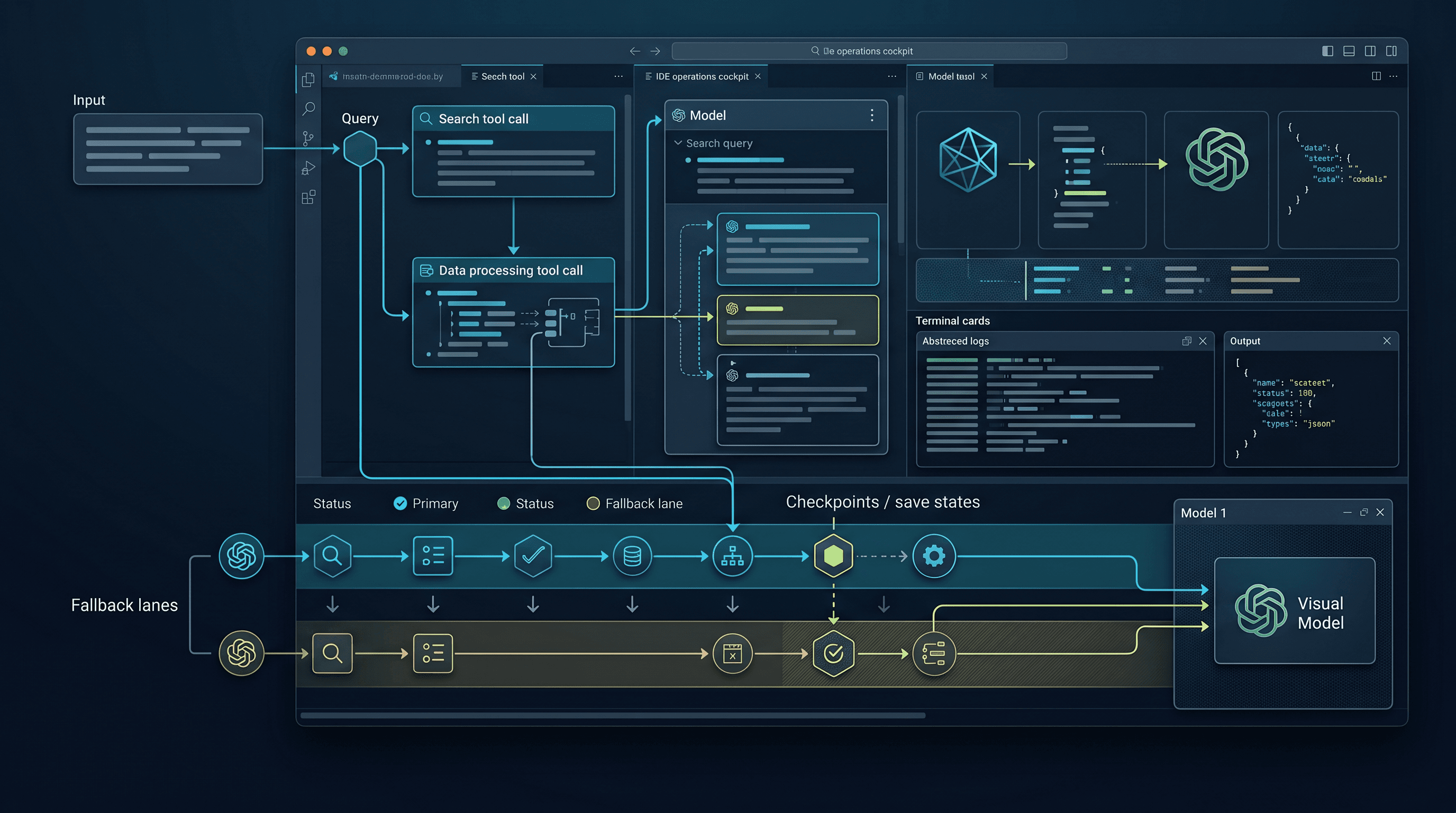
A multi-model agent architecture distributes tasks across specialized models based on complexity, cost, and latency requirements.
User Request
    │
    ▼
┌─────────────┐
│   Router     │  ← Classifies task complexity
│  (fast model)│
└──────┬──────┘
       │
   ┌───┴───┐
   ▼       ▼
┌──────┐ ┌──────┐
│Simple│ │Complex│
│Model │ │Model  │
└──┬───┘ └──┬───┘
   │        │
   ▼        ▼
┌─────────────┐
│  Aggregator  │  ← Combines results
│  (fast model)│
└─────────────┘
The core architecture consists of five primary components:
- The Router: A fast, low-cost model that classifies incoming tasks by complexity and intent.
- The Model Pool: A collection of models matched to different task types (such as reasoning, extraction, or code generation).
- The Aggregator: A fast model that combines results from parallel steps into a final response.
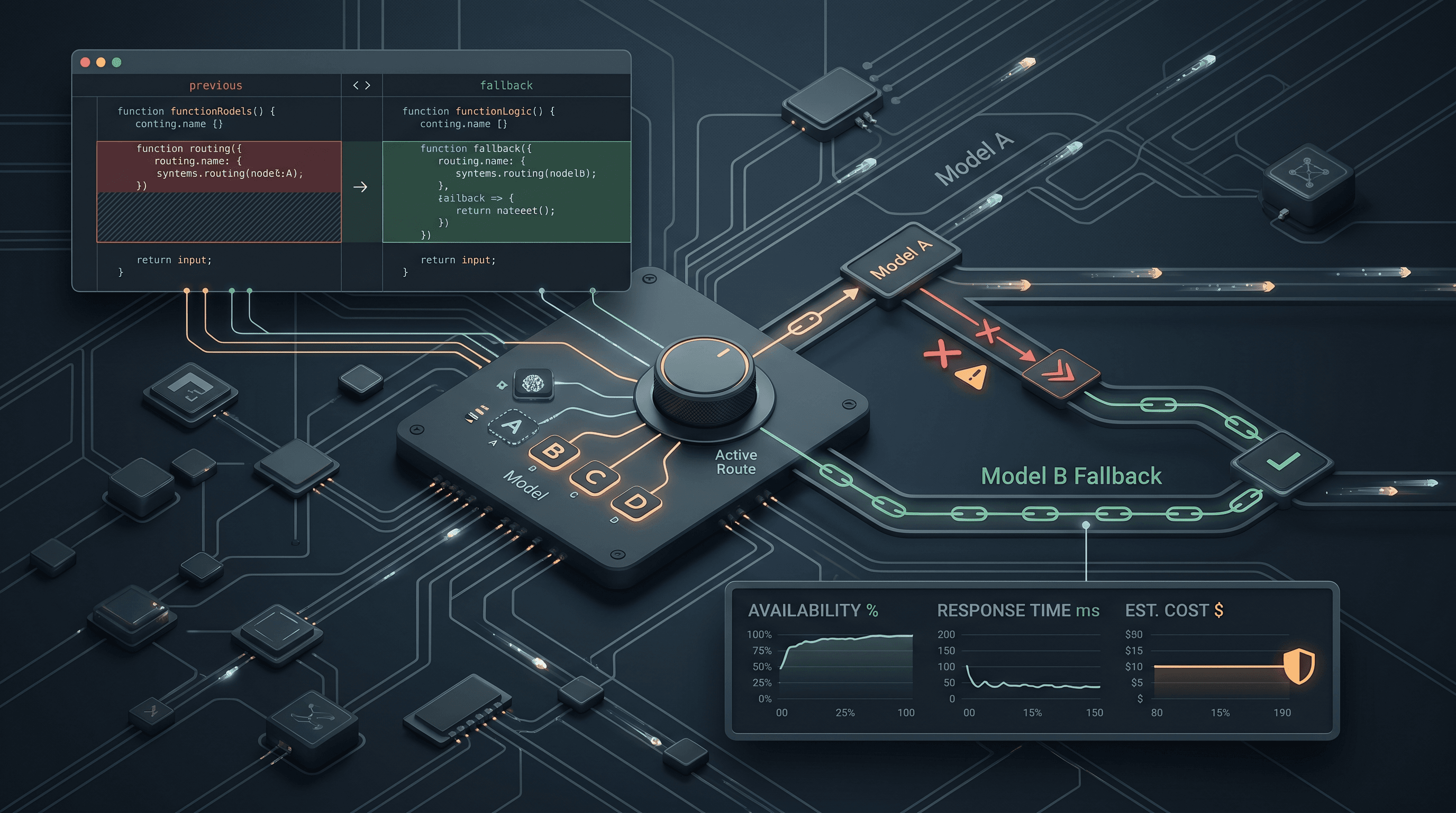
- The Fallback Policy: Rules that dictate which model to use if the primary choice fails, times out, or encounters rate limits.
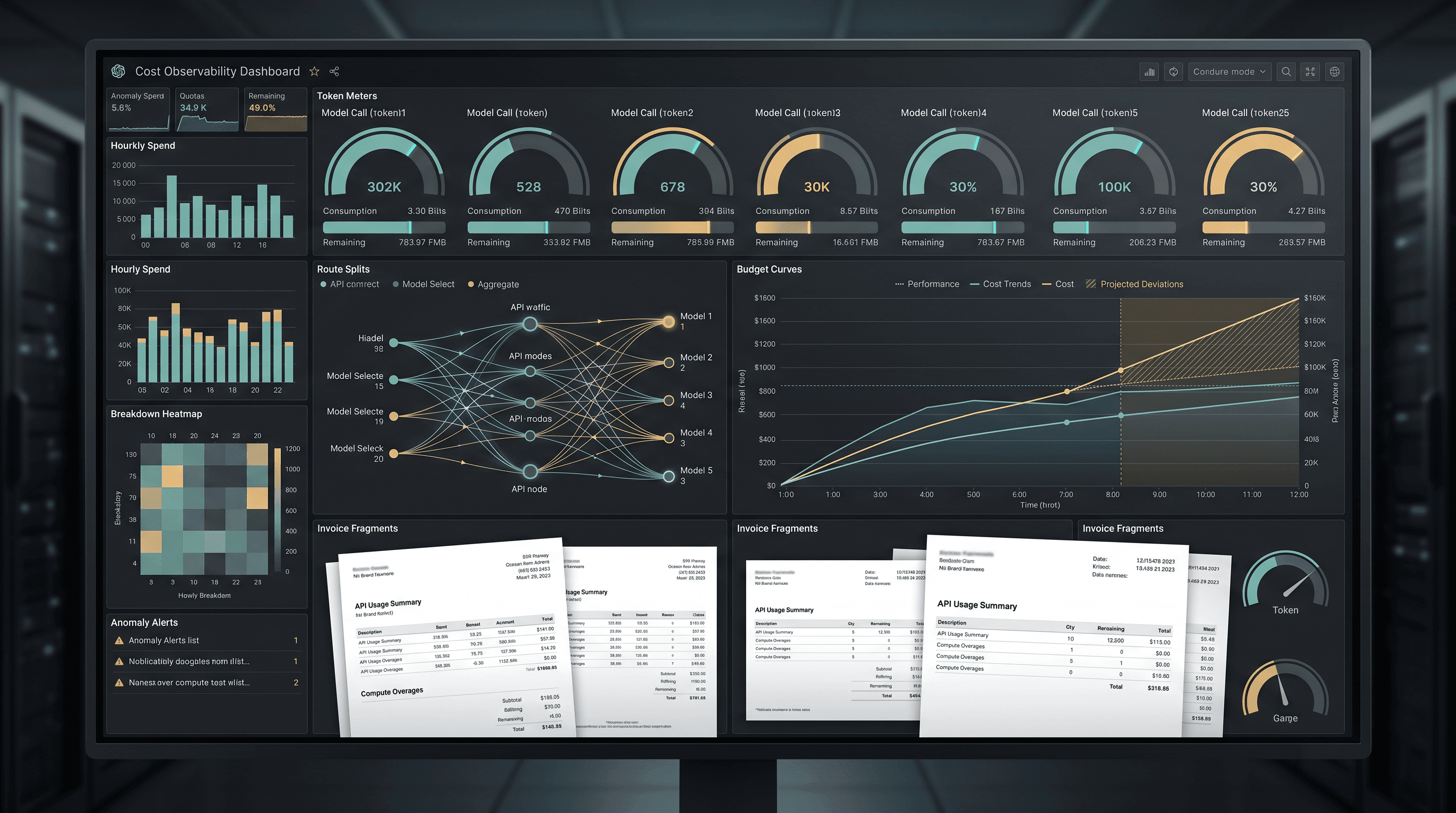
- The Telemetry Layer: A logging system that records model choices, latency, and exact token costs per step.
Without fallback policies and telemetry, a multi-model agent can become difficult to debug, with unpredictable latency and cost profiles.
Implementation with the OpenAI SDK
Using a unified API gateway allows you to access models from different providers using a single SDK and API key. This simplifies model swapping and routing.
The following example demonstrates a basic routing implementation. Model availability and pricing should be verified on the TokenLab model directory.
from openai import OpenAI

client = OpenAI(
    api_key="sk-tokenlab-xxx",
    base_url="https://api.tokenlab.sh/v1"
)

# Model pool with cost and capability tiers
MODELS = {
    "router": "deepseek-v4-flash",        # Fast classification
    "simple": "deepseek-v4-flash",        # Extraction, formatting
    "reasoning": "claude-sonnet-5",       # Planning, analysis
    "complex": "gpt-5.5",                 # Code generation, complex logic
    "budget": "deepseek-v4-flash",        # Bulk processing
}

def route_task(task: str) -> str:
    """Use a lower-cost model to classify task complexity."""
    response = client.chat.completions.create(
        model=MODELS["router"],
        messages=[
            {"role": "system", "content": """Classify this task into exactly one category:
- simple: data extraction, formatting, translation
- reasoning: analysis, planning, comparison
- complex: code generation, multi-step problem solving
- budget: bulk processing, non-critical tasks
Reply with only the category name in lowercase."""},
            {"role": "user", "content": task}
        ],
        max_tokens=10
    )
    category = response.choices[0].message.content.strip().lower()
    return MODELS.get(category, MODELS["simple"])

def execute_task(task: str, context: str = "") -> str:
    """Route the task to the selected model and execute it."""
    model = route_task(task)
    messages = []
    if context:
        messages.append({"role": "system", "content": context})
    messages.append({"role": "user", "content": task})

    response = client.chat.completions.create(
        model=model,
        messages=messages
    )
    return response.choices[0].message.content
Real-World Agent: Code Review Pipeline
To see the practical impact of building AI agents with multiple models, consider a pipeline designed to review pull requests. This workflow breaks the review down into specialized steps rather than sending the entire code diff to a single expensive model.
def review_pr(diff: str) -> dict:
    """Multi-model PR review pipeline."""

    # Step 1: Classify changes using a fast, low-cost model
    classification = client.chat.completions.create(
        model="deepseek-v4-flash",
        messages=[{
            "role": "user",
            "content": f"Classify these code changes: {diff[:2000]}\n"
                       "Categories: bugfix, feature, refactor, docs, test"
        }],
        max_tokens=20
    ).choices[0].message.content

    # Step 2: Perform a security scan using a strong reasoning model
    security = client.chat.completions.create(
        model="claude-sonnet-5",
        messages=[{
            "role": "system",
            "content": "You are a security reviewer. Check for: "
                       "SQL injection, XSS, auth bypass, secrets in code, "
                       "unsafe deserialization. Be specific about line numbers."
        }, {
            "role": "user",
            "content": f"Review this diff for security issues:\n{diff}"
        }]
    ).choices[0].message.content

    # Step 3: Analyze code quality using a general-purpose model
    quality = client.chat.completions.create(
        model="gpt-5.5",
        messages=[{
            "role": "user",
            "content": f"Review code quality: naming, structure, "
                       f"error handling, test coverage.\n{diff}"
        }]
    ).choices[0].message.content

    # Step 4: Generate a summary using a fast, low-cost model
    summary = client.chat.completions.create(
        model="deepseek-v4-flash",
        messages=[{
            "role": "user",
            "content": f"Summarize this PR review in 3 bullet points:\n"
                       f"Type: {classification}\n"
                       f"Security: {security[:500]}\n"
                       f"Quality: {quality[:500]}"
        }]
    ).choices[0].message.content

    return {
        "classification": classification,
        "security": security,
        "quality": quality,
        "summary": summary
    }
Cost and Efficiency Optimization
The table below outlines the model allocation for this pipeline. Exact pricing varies by provider and volume; verify current rates on the TokenLab model directory.
| Step | Model | Input Tokens | Role / Specialization |
|---|---|---|---|
| 1. Classify | DeepSeek V4 Flash | ~2,100 | Fast classification, low-cost routing |
| 2. Security | Claude Sonnet 5 | ~2,500 | Deep reasoning, security analysis |
| 3. Quality | GPT-5.5 | ~2,500 | Advanced code quality and structural review |
| 4. Summary | DeepSeek V4 Flash | ~1,200 | Fast, low-cost text aggregation |
Running all four steps through a flagship reasoning model like Claude Sonnet 5 or GPT-5.5 would significantly increase costs. By routing simpler tasks to lower-cost models like DeepSeek V4 Flash, the multi-model pipeline reduces overall token spend while preserving deep reasoning for the critical security analysis step.
Routing by Capability, Not Just Price
While cost reduction is a common goal, routing decisions should also account for specific model capabilities. A robust routing policy evaluates models across four key dimensions:
- Reasoning Depth: Complex logic, planning, and multi-step deduction.
- Context Window: The volume of background information or code required for the task.
- Tool-Use Reliability: The accuracy of function calling and structured output generation.
- Latency Sensitivity: The speed requirements of the user-facing application.
These dimensions help establish clear routing rules:
- Decomposition and planning tasks route to reasoning-heavy models.
- Data extraction and formatting tasks route to fast, low-cost models.
- Code generation and syntax analysis route to models optimized for coding tasks.
- Repository-wide analysis tasks route to models with large context windows.
To align your router with these requirements, consult the coding model comparison and the pricing comparison to match your workflow steps with current model benchmarks.
LangChain Integration
You can also implement multi-model routing within orchestration frameworks like LangChain. The following example configures different models using a unified API base URL:
from langchain_openai import ChatOpenAI
from langchain_core.prompts import ChatPromptTemplate

# Initialize models with distinct configurations
fast_model = ChatOpenAI(
    model="deepseek-v4-flash",
    api_key="sk-tokenlab-xxx",
    base_url="https://api.tokenlab.sh/v1"
)

reasoning_model = ChatOpenAI(
    model="claude-sonnet-5",
    api_key="sk-tokenlab-xxx",
    base_url="https://api.tokenlab.sh/v1"
)

# Define specialized chains
classify_chain = ChatPromptTemplate.from_template(
    "Classify the intent of this request: {input}"
) | fast_model

analyze_chain = ChatPromptTemplate.from_template(
    "Perform a detailed analysis of this issue: {input}"
) | reasoning_model
When to Use Multi-Model Agents
Introducing multiple models adds architectural complexity. This approach is typically most beneficial when:
- Diverse Task Requirements: The agent handles a mix of simple tasks (such as classification or formatting) and complex tasks (such as strategic planning or code generation).
- High Volume and Cost: Monthly API expenditures are high enough that optimization yields meaningful savings.
- Specialized Model Strengths: The workflow benefits from specific provider strengths, such as Gemini's context window, Claude's coding capabilities, or GPT's tool-use speed.
- Asymmetric Latency Needs: Certain parts of the workflow must return results instantly, while other background steps can take longer.
For single-purpose agents or simple chat interfaces, a single model is often easier to maintain. The operational overhead of routing may not be justified if every request requires the same level of capability.
Common Failure Modes
Multi-model architectures introduce specific failure modes that require mitigation:
1. Over-Engineered Routers
If the router prompt becomes overly complex, the classification step itself can become slow and expensive. Keep routing prompts concise and classification categories broad.
2. Output Contract Drift
Different models may format outputs differently, even when instructed to return JSON. One model might return raw JSON, while another wraps it in markdown blocks. To prevent downstream parser failures, enforce strict schemas using validation libraries like Pydantic at every step handoff.
3. Silent Quality Degradation
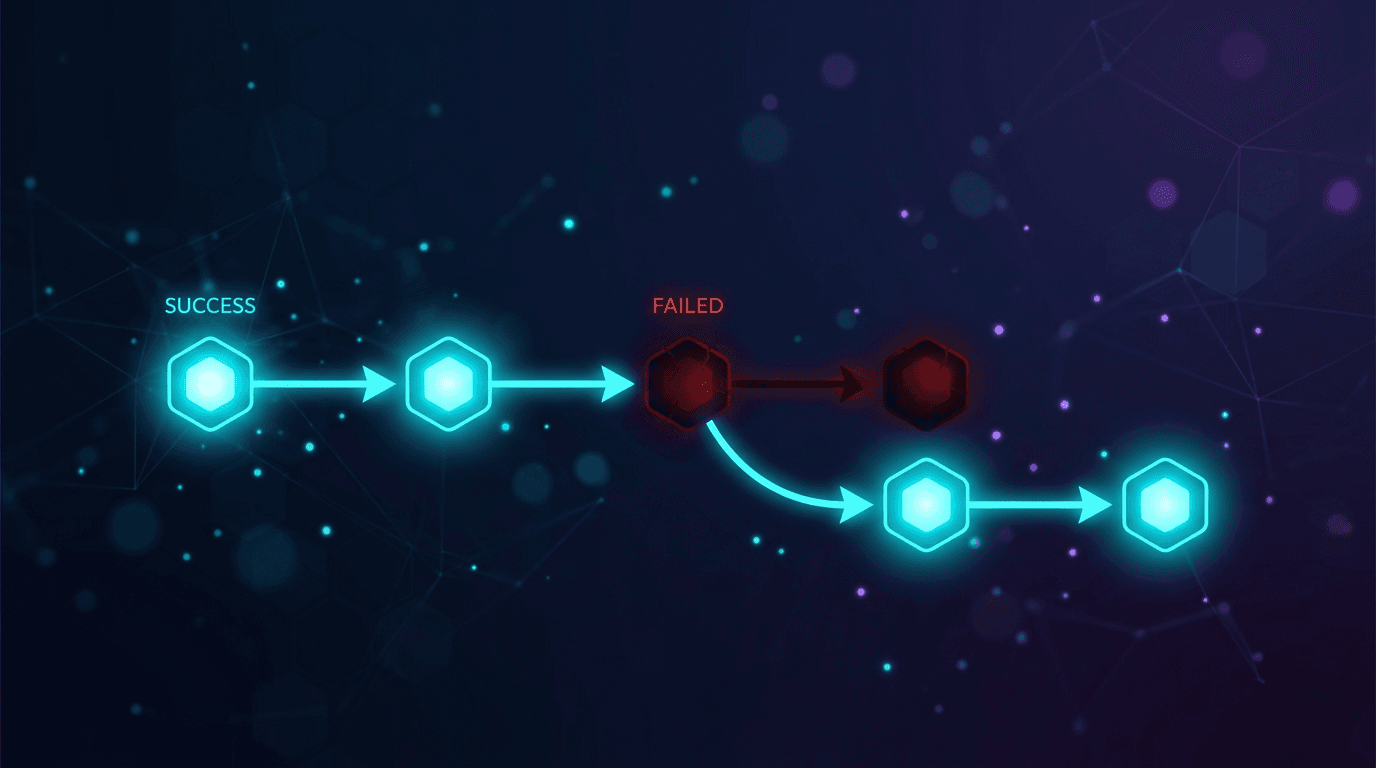
If a fallback policy routes a request to a lower-tier model during a primary provider outage, the agent may return lower-quality answers without raising an error. Implementing a clear rate limiting strategy and alerting system helps track when fallbacks are active.
4. Fragmented Telemetry
When model usage is split across multiple direct provider APIs, aggregating cost and performance metrics becomes difficult. Centralizing requests through a single gateway simplifies logging and cost tracking.
A Minimal Evaluation Loop
To maintain a multi-model agent, establish a basic evaluation loop to track performance. You can log the following metrics for each run to a database table:
- Task Category: The classification assigned by the router.
- Selected Model: The model chosen for each step.
- Step Latency: The time taken to complete each step.
- Token Usage: The exact input and output token counts.
- Fallback Status: Whether a fallback model was triggered.
- User Feedback: A binary indicator of whether the final output was successful.
Analyzing this data helps determine whether the router is selecting the correct models, which steps are driving the majority of your costs, and whether fallback models are maintaining acceptable quality.
FAQ
How do you handle different prompt formats across different models?
Different models respond best to different prompt structures. For example, some models perform better with system prompts, while others prefer instructions embedded in the user prompt. To handle this, abstract your prompts into templates that adapt based on the target model, rather than sending identical raw strings to every model in your pool.
Does routing add too much latency to user-facing applications?
Routing does introduce a small amount of latency for the classification step. You can minimize this by using highly optimized, low-latency models for the router, keeping max token limits low (under 10 tokens), or parallelizing steps when the classification can be inferred from the user's application state or entry point.
How do you prevent JSON parsing errors when switching between models?
To prevent parsing errors, use structured output features (such as JSON mode or tool calling) supported by the model providers. Additionally, wrap all model outputs in a validation layer using Pydantic or similar libraries to parse, validate, and repair the payload before passing it to the next step in your pipeline.
Access every model through one API: Get Started with TokenLab to access over 300 models with a single API key. Build multi-model agents without managing multiple provider accounts or rewriting routing logic for different APIs.
Sources
Price observed 2026-07-07
- TokenLab model directoryObserved 2026-07-07
- Berkeley Function Calling LeaderboardObserved 2026-07-09
- SWE-benchObserved 2026-07-09
- RouteLLM paperObserved 2026-07-09
- Braintrust LLM router guideObserved 2026-07-09